Digital Product Mockup
This digital product mockup generator places your planner page, printable, or wall art on iPad, desk, frame, and browser scenes in your browser. Drop a PNG in the studio above, preview listing shots, and export PNGs. Files stay on your device — no signup for the free scenes.
How do I make a digital product mockup?
-
1
Flatten page 1 to PNG
Export your planner or printable as PNG (see PDF flatten steps below). Upload, drop, or paste in the studio. Processing stays on this device.
-
2
Pick a scene
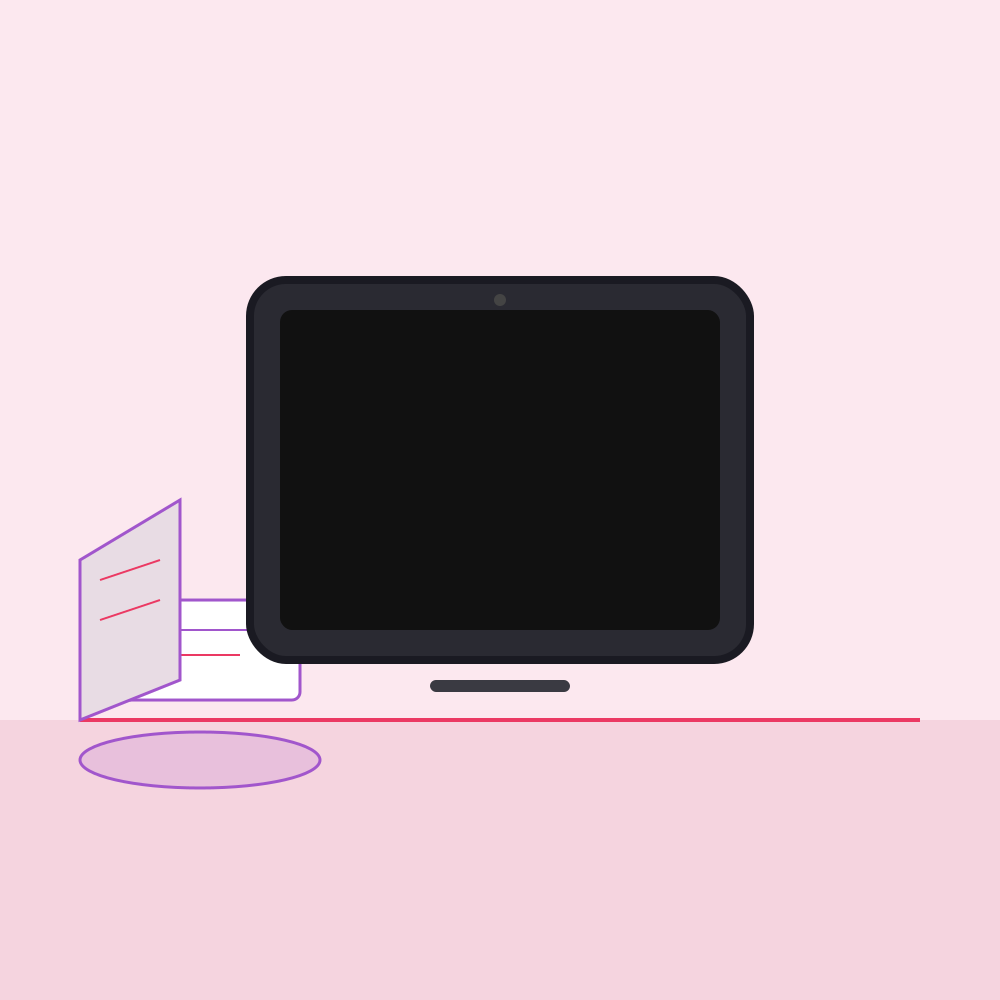
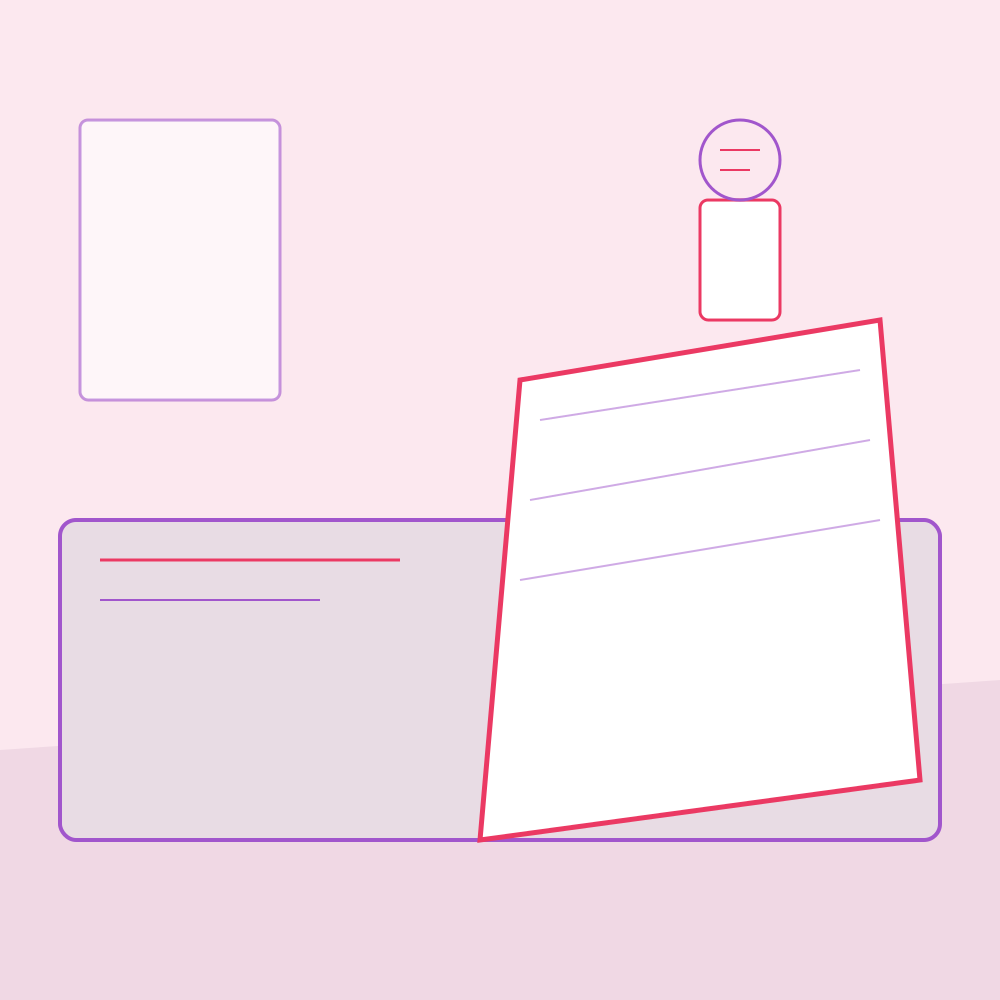
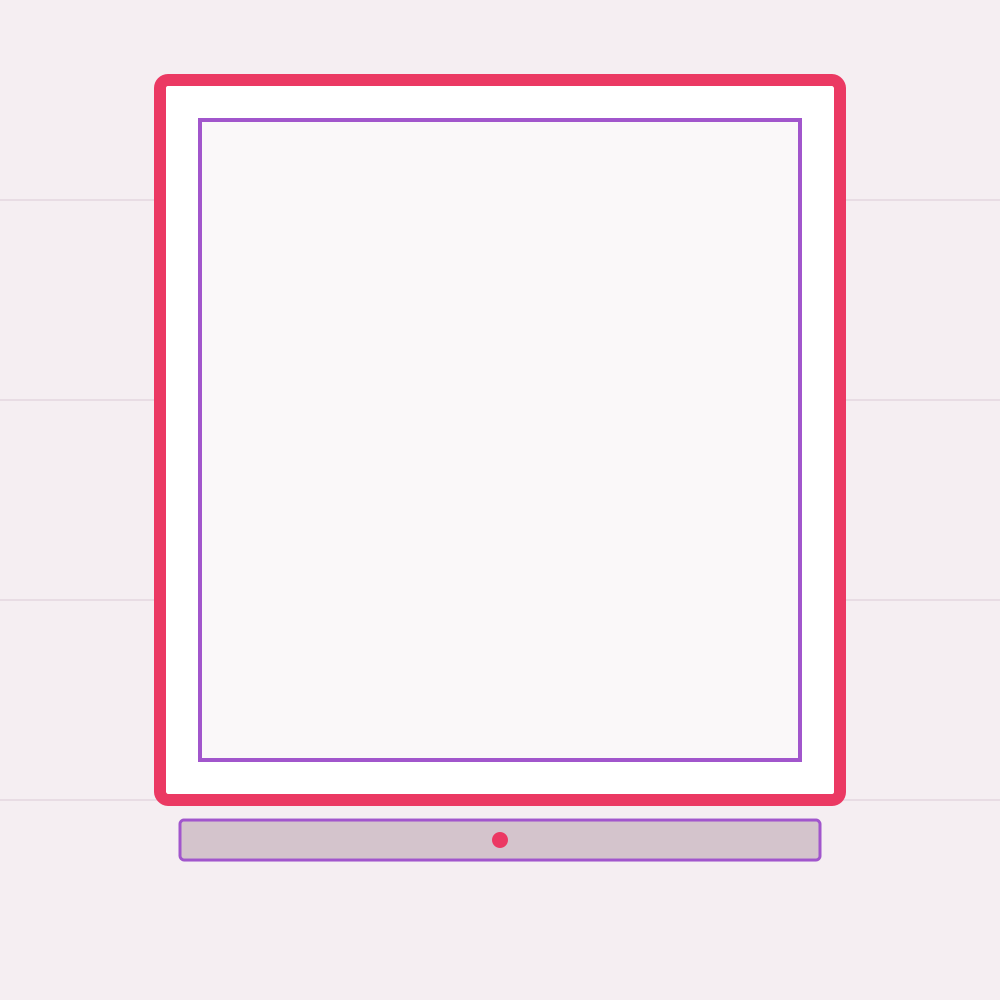
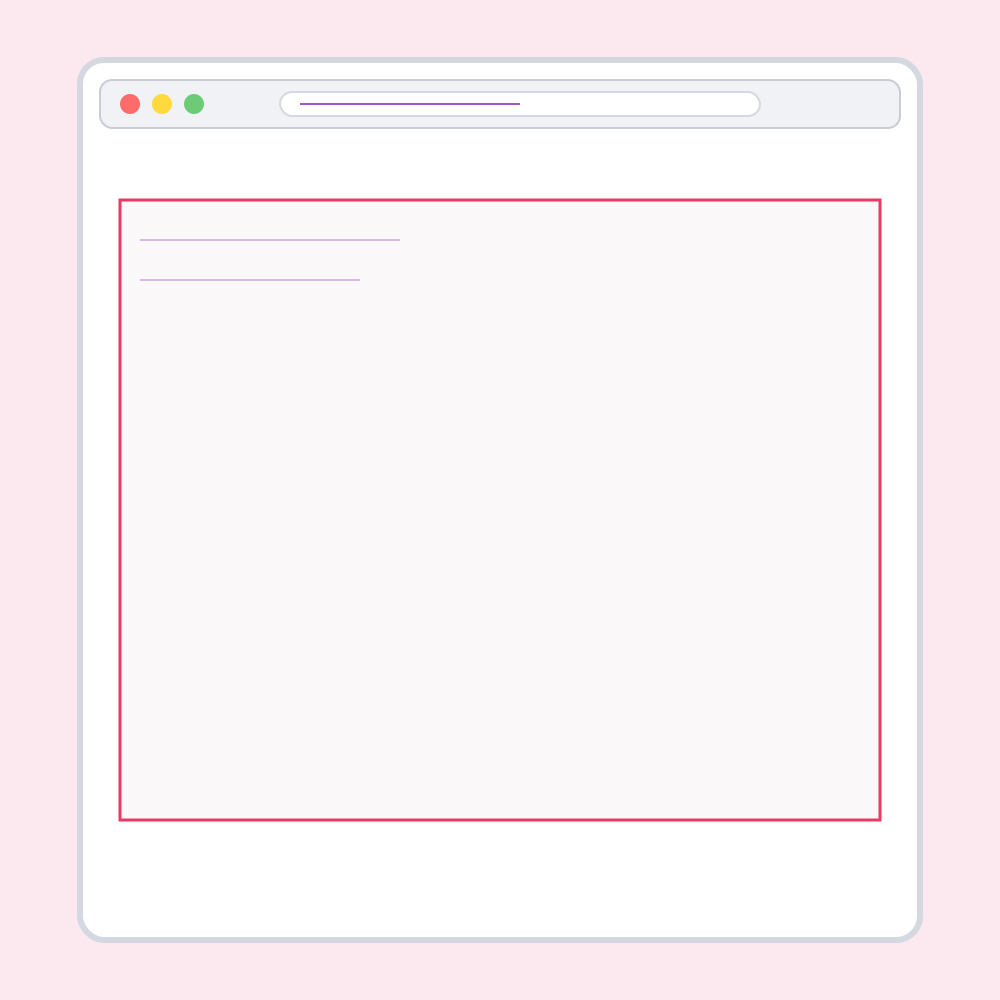
Try iPad on desk or desk printout free. Frame on wall and browser window unlock with Mockup Studio ($19 or 80 credits).
-
3
Export or share
Download a 1200 px PNG or share 1080 for Instagram. Studio adds 2400 px HD with no footer and a 10-image Etsy listing zip at 2000 px.
Back to the studio when your page PNG is ready. Browse more maker tools or the full tool collections.
What scenes can I mock up for Etsy digital downloads?
Four scenes cover how buyers imagine planners, printables, and wall art. Your page replaces the sample instantly in the studio above.
What Etsy listing image size should I export in 2026?
Formula: listing long edge ≥ 2000 px; first image min 635 × 635 px for search.
Worked example (2026): You mock up a US Letter planner page at 2550 × 3300 px (300 DPI). Studio exports a 2000 × 2000 square crop for slot 1 and packs ten PNGs at 2000 px for all listing slots. Free tier downloads 1200 px with a Kick-Start footer; Studio HD is 2400 px with no footer.
Price the listing with the Etsy Fee Calculator after you upload.
| Spec | Etsy requirement | This tool export |
|---|---|---|
| Recommended size | At least 2000 px shortest side | Studio zip: 2000 px PNGs |
| First image (search) | Min 635 × 635 px | All exports exceed this |
| Listing slots | Up to 10 photos | Studio zip: 10 named PNGs |
| Max file size | 20 MB per image | PNG; typically under 2 MB at 2000 px |
| Free preview | — | 1200 px PNG + 1080 share (footer on free) |
| Mockup Studio | — | $19 or 80 Kick-Start credits |
How do I flatten a PDF to PNG for mockups?
Version 1 does not read PDFs in the browser (no PDF.js). Export page 1 only as PNG, then upload here.
Canva
Open your design → Share → Download → PNG → select page 1 if multi-page.
Mac Preview
Open the PDF → File → Export → format PNG. Use page 1 or export a single page first.
Adobe Acrobat
File → Export to → Image → PNG. Pick page 1 and 300 DPI if offered.
Accepted here
PNG, JPG, or WebP. For crisp text, prefer PNG at 150–300 DPI source resolution.
How is this different from Placeit or Canva mockups?
Private
Your planner or printable never leaves this browser. Lifestyle suites usually upload art to render scenes.
Built for digital sellers
iPad, desk, frame, and browser shots match how Etsy buyers judge planners and printables — not generic T-shirt mockups.
Free to try
$0 and no signup for two scenes. Placeit-class tools are often about $90/mo. Studio here is a one-time $19 or 80 credits.
Next to maker tools
Pair with Pattern Maker, Pattern Mockup Generator, PNG to SVG, and Spoonflower File Checker on maker tools.
Digital product mockup FAQ
What is a digital product mockup?
A digital product mockup shows your planner, printable, or wall art on realistic scenes such as an iPad, desk, frame, or browser window so buyers can picture the download.
What Etsy listing image size should I use in 2026?
At least 2000 px on the shortest side. The first image must be at least 635 by 635 px. Studio exports ten 2000 px PNGs.
Can I upload a PDF?
Not in v1. Flatten page 1 to PNG in Canva, Preview, or Acrobat first.
Are my files uploaded?
No. Your page image stays on your device.
Which scenes are free?
iPad on desk and desk printout. Frame and browser need Studio.
How much is Mockup Studio?
$19 one-time or 80 Kick-Start credits for HD, no footer, and the Etsy zip.
What is in the Etsy listing zip?
Ten 2000 px PNGs: per-scene squares, detail crops, a flat page, and alternates.
Can I post the PNG on social?
Yes. Download & Share exports a 1080 square for Instagram. Free files include a footer credit.
How is this different from Placeit?
Private, free to try, and priced for Etsy digital sellers instead of a huge subscription catalog.
What other Kick-Start tools pair with this?
Pattern Maker, Pattern Mockup Generator, PNG to SVG, Spoonflower File Checker, and Etsy Fee Calculator.
Can I request a feature or report a bug?
Yes — use the Kick-Start.ai Contact page. We welcome feature requests, bug reports, and ideas for new tools.
Need listing mockups or shop workflows automated?
Kick-Start.ai builds custom AI workflows for small teams – live in 7–14 days.
Get a free workflow audit