Flipbook Maker guide
How to make a sprite sheet from video
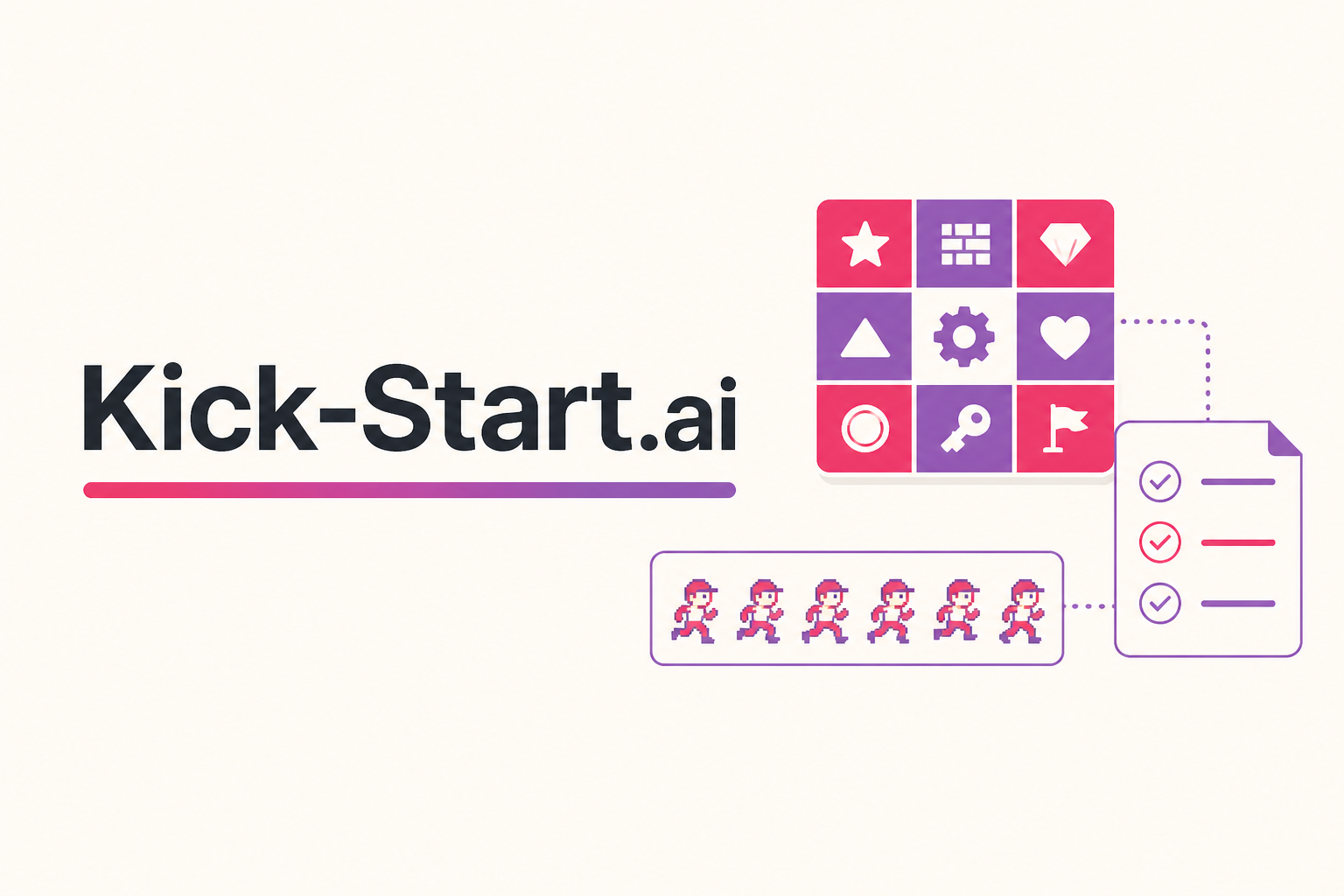
A sprite sheet (texture atlas) is a grid of animation frames. If your motion already exists as a screen recording, a playblast, or a phone MP4, you do not need After Effects just to pack it.
Also see the pack / split / extract overview. Generating brand-new frames is AI Flipbook Generator.
What you need
- A short MP4 (a 1–2 second loop is easier than a 30-second take)
- An idea of frame skip (every 2nd frame often looks fine in games)
- Target engine rules: alpha vs opaque, power-of-two vs arbitrary size
Step-by-step
- Extract. Import the MP4 and pull frames. Skip frames to shorten the loop.
- Clean. Trim empty margins so the sheet is not full of blank pixels.
- Pack. Lay frames into a sheet. Enable POT if your engine requires it.
- Check alpha. Keep transparency for VFX; flatten if you want a solid blit.
- Export. Download the sheet (and frame list if you need to split later).
Game-engine tip
Unity and Unreal often prefer power-of-two textures. If import looks blurry, check wrap mode and disable unnecessary compression on UI/VFX sheets.
Pack your sprite sheetCommon mistakes
- Using a long video and wondering why the sheet is huge — skip frames or cut first.
- Expecting a page-flip ebook. This tool is VFX/atlas, not PDF.
- Generating frames here — that is a different Kick-Start tool.
FAQ
Is this a PDF flipbook?
No. Kick-Start Flipbook Maker is for sprite sheets, atlases, and video frames — game VFX, not page turning.
Can I split an atlas too?
Yes. Pack, split, and extract are three modes of the same free tool.
Do frames leave my computer?
Work stays in your browser session. No signup.
What if I need new frames from a prompt?
Use AI Flipbook Generator. Do not use Maker to invent frames you do not have.